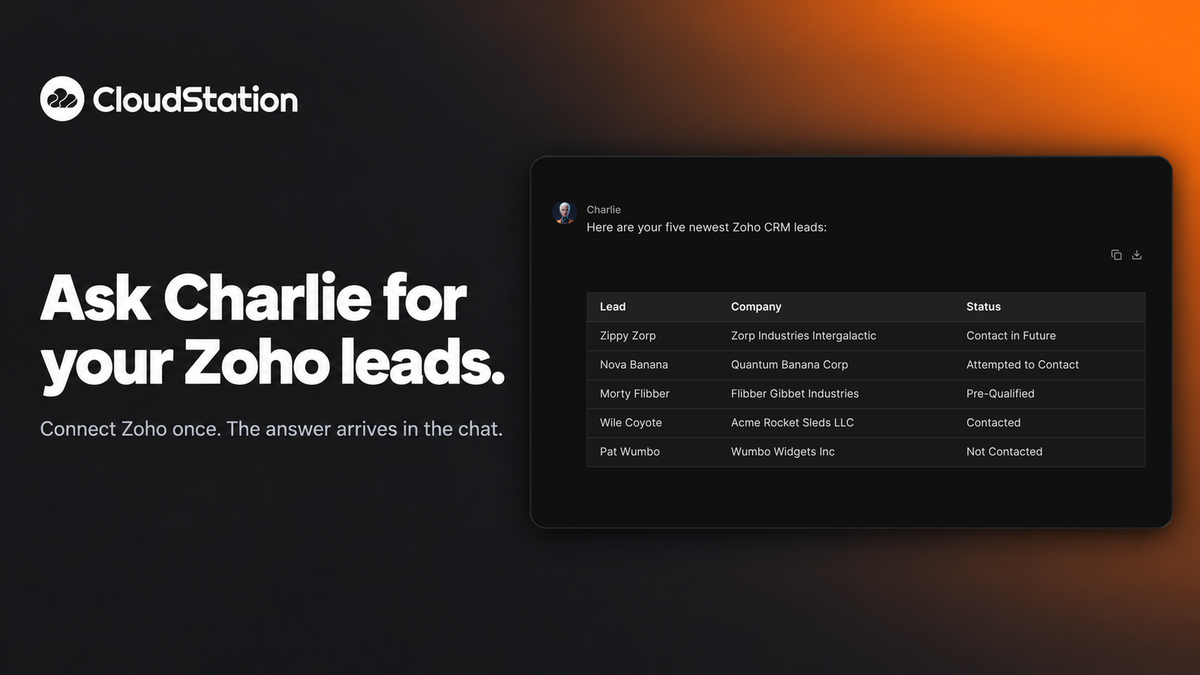
You can now connect your Zoho account to CloudStation. Once it is connected, ask Charlie about your CRM in plain words. Ask for your five newest leads and the list comes back in the chat, with company and status.
Connect it once
Open your profile menu and choose Integrations. Find Zoho and press Connect. Zoho opens a window that asks you to approve the access. Accept it and the connection shows as valid. The whole thing takes about twenty seconds.
You decide what Charlie can change
Charlie can also add leads and update records. The Zoho connection has four switches: Read, Update, Create and Delete. Delete is off until you turn it on.
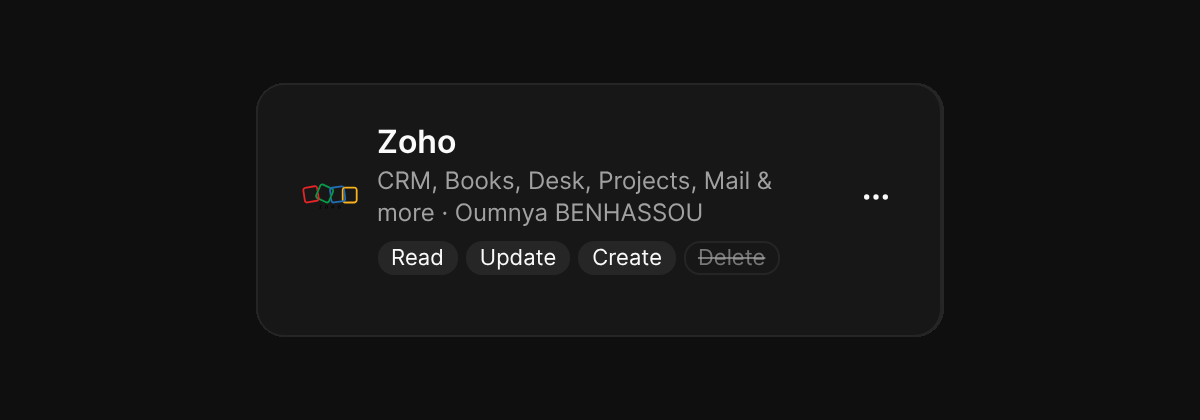
The connection covers Zoho CRM, Books, Desk, Projects, Mail and more.